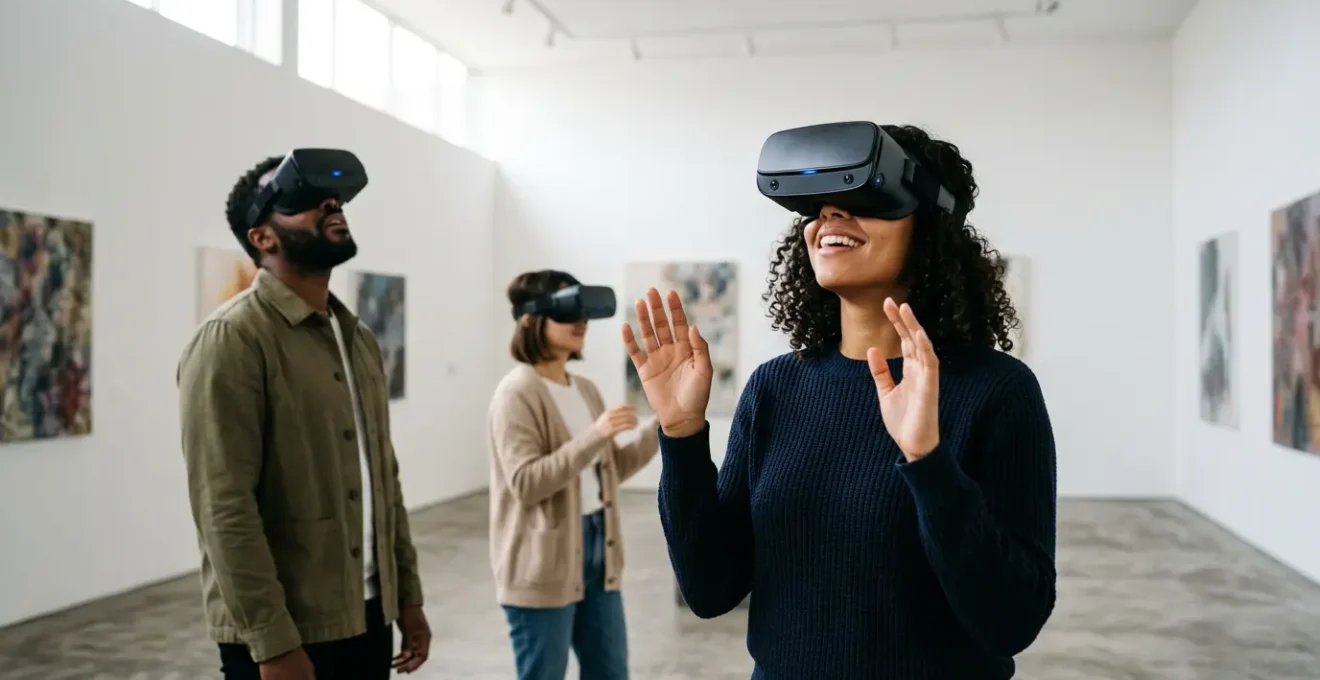
The V&A’s success wasn’t about technology; it was a masterclass in cognitive design. VR’s power to attract younger audiences lies in leveraging « embodied cognition » to create lasting memories, not just fleeting spectacle.
- Memory retention in VR is neurological, not just a product of novelty. The brain maps virtual spaces as real, leading to significantly stronger and longer-lasting recall compared to passive viewing.
- Operational pitfalls like motion sickness and social isolation are design flaws, not technological limits. They are entirely avoidable with a comfort-first approach and a focus on shared experiences from day one.
Recommendation: Focus your resources on strategic pre-production. Lock your core creative decisions at least 6 months out and prioritise user comfort, audio, and social design as foundational pillars, not afterthoughts.
When the Victoria and Albert Museum reported that its « Alice: Curiouser and Curiouser » VR experience attracted three times more visitors under 35 than its traditional galleries, it sent a clear signal to the cultural sector. For gallery programmers and independent artists, the question is no longer *if* virtual reality can engage younger demographics, but *how* to replicate that success without the budget of a national institution. The common discourse often credits the « wow factor » of the technology itself—its novelty and immersive qualities. But this is a dangerous oversimplification.
Relying on novelty alone leads to experiences that are briefly dazzling but ultimately forgettable and, in some cases, physically uncomfortable. The true potential of VR as an artistic medium and an engagement tool is unlocked not by chasing the latest hardware, but by understanding the underlying principles of human perception and memory. The success of a virtual exhibition hinges on a series of strategic decisions made long before a single visitor puts on a headset.
This guide moves beyond the surface-level praise for VR’s immersiveness. Instead, we will deconstruct the strategic framework that separates a compelling VR art piece from a lonely, nauseating tech demo. We will explore the cognitive science that makes virtual experiences stick in our memory, the practical, no-code workflows for building gallery-ready environments, and the critical production decisions that can make or break a project. The goal is to equip you with a strategic playbook to transform passive viewing into active, memorable participation, creating art that resonates long after the screen goes dark.
This article breaks down the essential strategic considerations for any artist or programmer looking to leverage VR. From the neuroscience of memory to the practicalities of hardware choice and user comfort, we will cover the foundational knowledge needed to create truly impactful virtual art experiences.
Summary: A Strategic Guide to VR for Art Engagement
- Why Do Visitors Remember VR Artworks 6 Months Later but Forget Wall-Hung Pieces?
- How to Create a Gallery-Ready VR Environment in Unity Without Writing Code?
- Quest 3 vs Pico 4:Why Do Self-Taught Artists Plateau After 5 Years Without Formal Technique Training?
- The Nausea Complaint That Forced One London Gallery to Close Its VR Show Early
- When to Lock Creative Decisions in VR: 3 Months or 6 Months Before Opening?
- Headphone Binaural vs Speaker Surround: Which Format Suits Gallery Installations Best?
- Mozilla Hubs vs Spatial vs Custom WebGL: Which Platform Suits Art Shows Best?
- Why Does Your Virtual Gallery Feel Lonely Instead of Immersive?
Why Do Visitors Remember VR Artworks 6 Months Later but Forget Wall-Hung Pieces?
The profound memorability of VR experiences compared to traditional media isn’t just about novelty; it’s a neurological phenomenon rooted in embodied cognition. When we view a painting on a wall, we are passive observers. In VR, our brain and body are convinced we are active participants in a space. This triggers the same neural pathways used for forming memories in the real world, particularly within the hippocampus, the brain’s hub for spatial memory and navigation. You don’t just see the art; you remember where you were standing in relation to it.
This is because VR effectively tricks the brain into creating a spatial map of the virtual environment. Research from University College London demonstrated that the hippocampus generates these maps for virtual locations just as it does for physical ones. This explains why users can recall the location of virtual objects with surprising accuracy, even if they never physically existed. The experience is encoded not just as a visual memory, but as a spatial and motor one. This multi-sensory encoding creates a much more robust and lasting memory trace.
Further scientific evidence supports this; research published in Brain Sciences demonstrates that immersing users in realistic virtual environments actively improves spatial memory and related cognitive skills. It’s not just that the art is ‘all around you’; it’s that your brain is actively working to navigate and understand this new reality, forging stronger connections in the process. For an artist or curator, this means VR offers a unique canvas not just for visual expression, but for crafting unforgettable, spatially-aware narrative journeys.
How to Create a Gallery-Ready VR Environment in Unity Without Writing Code?
The idea of building a VR world often conjures images of complex coding, but modern tools have dramatically lowered the barrier to entry. For independent artists and smaller galleries, platforms like Unity now offer powerful visual scripting and template-based workflows that make creating a professional-grade virtual exhibition achievable without writing a single line of code. The key is to focus on asset selection and pre-configured toolkits rather than building from scratch.
This approach democratises VR creation, allowing the focus to remain on curatorial and artistic vision rather than technical implementation. By leveraging pre-made assets and visual interfaces for lighting and interaction, you can assemble a compelling and performant virtual gallery in a fraction of the time. The image below shows a minimalist workspace, representing the clean and focused environment that no-code tools can provide, where creativity is not hindered by technical complexity.
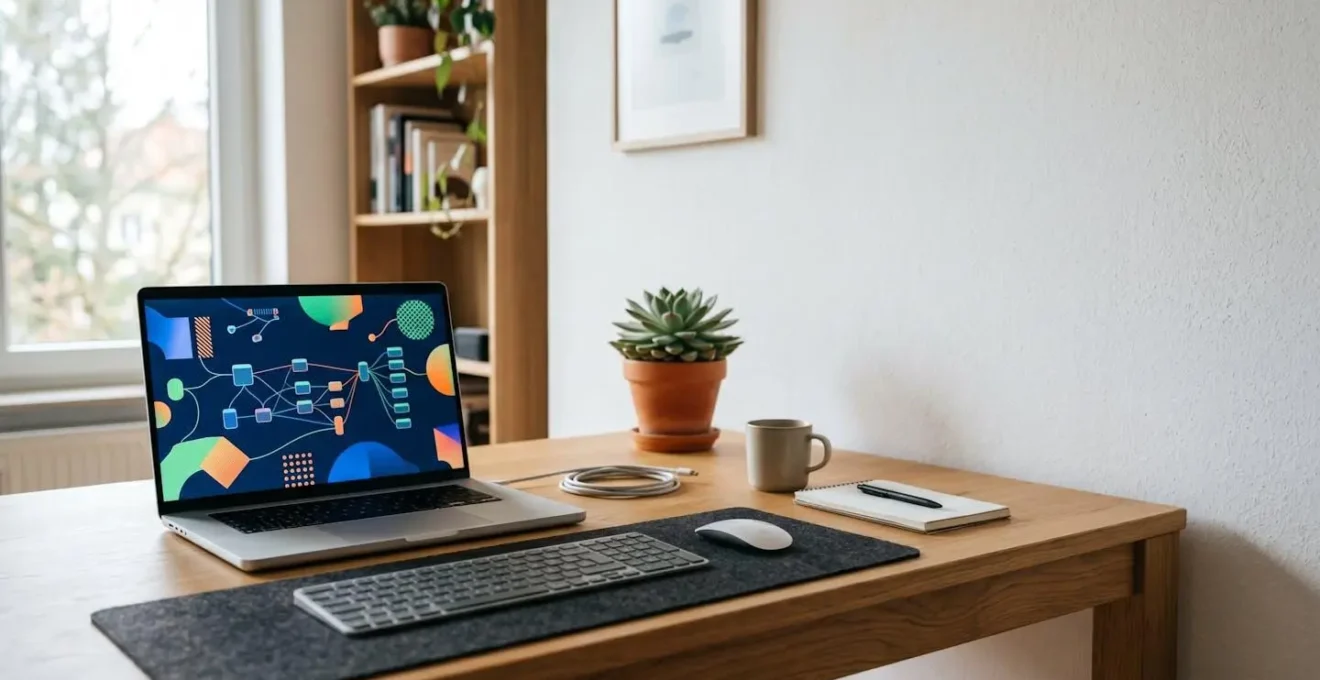
As you can see, the emphasis is on a clear, uncluttered process. The power lies in combining high-quality, pre-optimised assets with intuitive, drag-and-drop interaction systems. This workflow ensures that the final experience runs smoothly, maintaining the high frame rates crucial for user comfort, while still allowing for a high degree of artistic control over lighting and atmosphere.
Your No-Code VR Gallery Development Plan
- Install the Foundation: Download Unity Hub and install the ‘Create with VR’ course package. It comes with pre-configured templates, including XR Origin (the virtual « body »), controller setups, and VR-ready scenes, eliminating the initial coding hurdles.
- Curate Your Assets: Import gallery assets from marketplaces like the Unity Asset Store or Sketchfab. Focus on architectural elements (walls, floors, lighting fixtures) that are already optimised for VR performance to avoid frame rate issues.
- Enable Interaction Visually: Use Unity’s XR Interaction Toolkit. To make an object interactive or to set up teleportation locomotion, you simply drag and drop visual ‘Interactor’ and ‘Interactable’ components onto your objects in the editor.
- Sculpt with Light: Configure post-processing effects through Unity’s visual interface to achieve a gallery-appropriate atmosphere. You can adjust exposure, colour grading, and ambient occlusion with sliders, not scripts.
- Optimise for Performance: ‘Bake’ the lighting in your scene. Select all non-moving objects (walls, floors), mark them as ‘Static’ in the Inspector, and use the Lighting window to generate lightmaps. This pre-calculates lighting and shadow, ensuring smooth VR frame rates.
Quest 3 vs Pico 4:Why Do Self-Taught Artists Plateau After 5 Years Without Formal Technique Training?
Choosing the right hardware is a critical decision, but it’s often framed incorrectly. The question isn’t just « which headset is better? » but « which headset is better for a specific use case, like long creative sessions versus public exhibition? » For artists and programmers, the differences between leading standalone headsets like the Meta Quest 3 and the Pico 4 reveal a crucial trade-off between performance and ergonomics. This is analogous to how a self-taught artist might plateau; raw talent (performance) is essential, but without foundational technique (ergonomics and workflow), progress can stall.
The Quest 3, with its more powerful Snapdragon XR2 Gen 2 processor, offers superior graphical capabilities. It can handle more complex textures and lighting, and its higher refresh rate provides a smoother visual experience, which is vital for detailed artistic work. However, its front-heavy design can lead to discomfort during prolonged use. Conversely, the Pico 4 prioritises user comfort. Its balanced weight distribution, achieved by placing the battery at the back of the strap, makes it a better choice for artists who spend hours creating inside VR. In fact, comparative testing reveals that the Pico 4’s visor is significantly lighter (304g vs 397g), a difference that is keenly felt after the first hour.
This decision impacts not just the creator, but the audience. For a short, high-impact gallery installation, the Quest 3’s visual fidelity might be the priority. For an in-depth, interactive experience where visitors are expected to stay longer, the comfort of the Pico 4 could be the deciding factor in preventing premature exits. The following table breaks down these strategic differences.
| Feature | Meta Quest 3 | Pico 4 | Impact for Artists |
|---|---|---|---|
| Processor | Snapdragon XR2 Gen 2 | Snapdragon XR2 Gen 1 | Quest 3 handles more complex textures and faster app loading |
| Display Resolution | 2064 x 2208 per eye | 2160 x 2160 per eye | Quest 3 offers slightly sharper, more colorful imagery |
| Refresh Rate | 120Hz max | 90Hz max | Quest 3 provides smoother motion for detailed work |
| Weight Distribution | Front-heavy (397g visor) | Balanced (304g visor, rear battery) | Pico 4 allows longer comfortable creation sessions |
| Passthrough Quality | Good full-color | Standard (Pico 4 Ultra: Superior) | Quest 3 better for MR art integration |
| Software Ecosystem | Extensive (Horizon OS) | Limited availability | Quest 3 has more creative apps and tools |
The Nausea Complaint That Forced One London Gallery to Close Its VR Show Early
Nothing can derail a VR exhibition faster than simulation sickness. The infamous story of a London gallery having to prematurely close its VR installation due to widespread complaints of nausea serves as a stark warning. This issue, technically known as a vestibular-visual mismatch, occurs when your eyes perceive motion that your inner ear (your vestibular system) does not. The resulting sensory conflict triggers a primal brain response that leads to dizziness, headaches, and nausea. Crucially, this is not a hardware limitation; it is a fundamental failure of experience design.
Fortunately, these issues are almost entirely preventable with a « comfort-first » design philosophy. The responsibility lies with the creator to respect the user’s neurological limits. Simple but non-negotiable rules, like never rotating the virtual camera without direct user input and using teleportation for movement, are the bedrock of comfortable VR. Another powerful technique is applying a « vignette » effect—darkening the peripheral vision during artificial movement—which can reduce sensory conflict by a significant margin.
The V&A’s « Curious Alice » exhibition is a prime example of getting this right. By working with HTC VIVE Arts and the Preloaded studio, the team embedded VR comfort into the exhibition planning from the very beginning. They used carefully calibrated locomotion systems and gesture capture technology, integrating the VR component seamlessly into the physical exhibition’s flow. This proactive approach ensured the experience felt like a cohesive journey, avoiding the common pitfall of VR feeling like a disconnected, and potentially sickening, add-on.
Action Plan: The Comfort-First VR Design Checklist
- Maintain a Static Horizon: Never rotate the in-game camera without direct user input. This is the primary cause of the vestibular-visual mismatch that triggers nausea. Let the user turn their own head.
- Use Comfort Locomotion: Implement teleportation for movement or, if using smooth motion, apply a strong vignette effect that darkens peripheral vision. This can reduce sensory conflict by 60-80%.
- Calibrate IPD for Each Visitor: Dedicate a trained staff member to properly adjust the interpupillary distance (IPD) on the headset for every single user. A wrong IPD setting causes eye strain and headaches.
- Guarantee High Frame Rates: Keep frame rates consistently above 72fps, with 90fps as the ideal target. Use Unity’s Performance Profiler tool to identify and eliminate rendering bottlenecks that cause stuttering or « judder. »
- Brief and Empower the User: Provide a clear ‘comfort rating’ before the experience begins. Inform visitors about the sensations they might feel and establish a simple, clear signal (like a raised hand) to immediately exit if they feel any discomfort.
When to Lock Creative Decisions in VR: 3 Months or 6 Months Before Opening?
In traditional exhibition planning, creative decisions can often remain fluid until relatively late in the process. In VR development, this flexibility is a luxury you cannot afford. The intertwined nature of creative choices and technical implementation means that a late-stage change—like altering the primary mode of locomotion or the scale of the environment—can trigger a cascade of technical rework, blowing budgets and timelines. The most critical strategic error a team can make is underestimating the point of production lock-in.
For any gallery-scale VR project, creative decisions must be locked far earlier than one might expect. The consensus among experienced VR developers is that core mechanics, narrative structure, and environmental design should be finalised and locked a minimum of six months before the scheduled opening. The three-month mark is far too late; this period should be exclusively reserved for bug fixing, performance optimisation, and user testing. A three-month window for creative changes is a recipe for a rushed, unpolished, and potentially unstable final product.
This timeline can be visualized as a progression from simple to complex, where early decisions form an unchangeable foundation for everything that follows. Altering that foundation late in the game is akin to trying to change the foundations of a house while the roof is being tiled. As Kati Price, Head of Digital Media at the V&A, noted when discussing their VR development, « It was genuinely such an exciting journey to go on, » highlighting the dynamic nature of the medium. That journey, however, must be built on a solid, early-set plan to be successful.
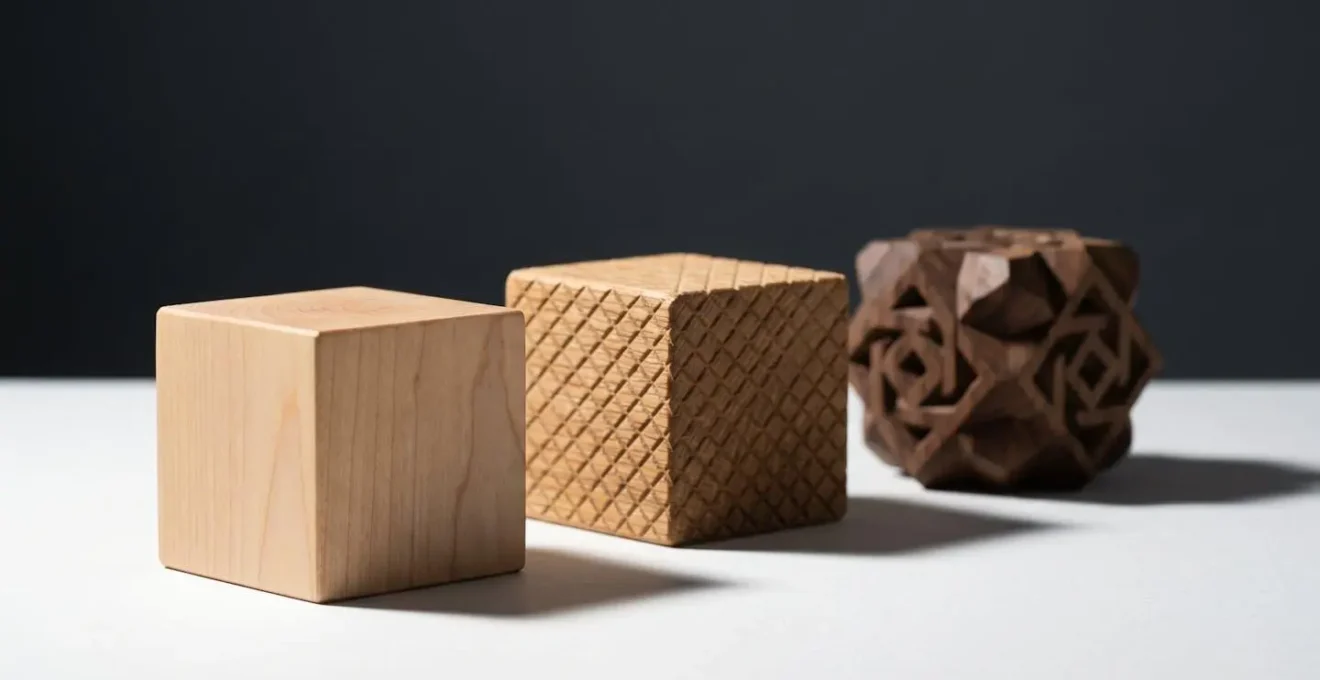
This strict timeline is not a creative constraint but a framework for success. It forces the curatorial and development teams to have the most important conversations early, ensuring the artistic vision is achievable within the technical and budgetary realities of the project. A six-month lock-in allows for a crucial buffer zone to polish the experience to the high standard that a public-facing gallery exhibition demands.
Headphone Binaural vs Speaker Surround: Which Format Suits Gallery Installations Best?
Audio is arguably the most powerful and frequently overlooked tool for creating presence in VR. While visuals define the space, sound convinces the brain it’s real. The choice between individual headphone-based audio and a shared speaker-based surround system is a critical curatorial decision that fundamentally alters the nature of the visitor’s experience, trading personal immersion for social connection.
Headphones, especially with binaural audio, offer the highest level of immersion. Binaural recording simulates how human ears perceive sound, creating a hyper-realistic 3D soundscape where a visitor can pinpoint the direction and distance of a sound with uncanny accuracy. This is ideal for narrative-driven experiences or for creating an intimate, contemplative atmosphere. The Smithsonian American Art Museum’s « Beyond the Walls » VR project, for instance, found that headphones are highly recommended for delivering audio narration and ambient sound effectively.
However, this deep immersion comes at a cost: it isolates the visitor from their physical surroundings and from other people in the gallery. Speaker-based surround sound, while less precise, creates a shared auditory environment. It allows for a more social experience, where visitors can react to sounds together and discuss the art without removing a headset. The choice depends on your goal. Are you crafting a solitary journey or a collective event? Rosalie Fabre of the HTC Vive Arts team, reflecting on the V&A’s « Curious Alice » experience, highlighted the power of a balanced audio landscape:
For some people it’s been like going back into childhood and remembering what Alice meant to them. There’s been a lot of emotion. It has touched a soft spot in audiences.
– Rosalie Fabre, HTC Vive Arts
This emotional response was amplified by an audio design that balanced individual immersion with the social atmosphere of the gallery. For many installations, a hybrid approach may be best: using directional speakers for ambient soundscapes to create a shared mood, while offering headphones as an option for deeper narrative content.
Mozilla Hubs vs Spatial vs Custom WebGL: Which Platform Suits Art Shows Best?
Once your VR content is created, the next critical decision is the delivery platform. This choice impacts accessibility, cost, and scalability. The options range from easy-to-use social VR platforms like Mozilla Hubs and Spatial to fully custom WebGL applications. The right choice depends entirely on your technical resources, budget, and target audience’s technical comfort level. The growing public appetite for such experiences is clear; a University of Glasgow project revealed that 77% of respondents would use VR to explore cultural collections that are otherwise inaccessible.
For artists and smaller galleries with limited resources, platforms like Mozilla Hubs offer an excellent starting point. They are web-based (no app download required), highly customisable, and support social interaction out of the box. They are a cost-effective way to create a shared, multi-user virtual exhibition. Platforms like Spatial offer a more polished, corporate-feeling environment, often better suited for virtual events and conferences than for purely artistic expression.
For major institutions with specific curatorial needs and the budget to match, a custom solution often becomes necessary. This is where bespoke platforms or custom WebGL development come in, offering complete creative control. A landmark example is The Metropolitan Museum of Art’s collaboration with the Atopia platform.
Case Study: The Met’s Atopia Platform for Scalable VR
In November 2025, The Met launched two VR features on the Atopia platform, « Dendur Decoded » and « Oceania: A New Horizon. » This partnership was strategic, aiming to solve the problem that high-quality immersive exhibitions were historically bespoke and prohibitively expensive. The Atopia platform was developed to enable museums of all sizes to design and publish their own immersive exhibitions in-house. It supports both VR headsets and standard web browsers, maximising accessibility, and allows for both individual visits and private, multiplayer tours, offering crucial flexibility for different curatorial visions.
The Met’s choice demonstrates a forward-thinking strategy: investing in a platform that not only serves its own needs but also empowers the wider cultural sector. For most creators, starting with a flexible, low-cost platform like Mozilla Hubs is the most pragmatic approach, with the option to scale to more custom solutions as resources and needs grow.
Key Takeaways
- VR’s power lies in « embodied cognition, » using the brain’s spatial memory systems to create lasting impact.
- User comfort is a design responsibility, not a hardware issue. Prioritise stable frame rates and comfort-first locomotion.
- Lock creative decisions at least six months before opening to avoid catastrophic delays and budget overruns.
Why Does Your Virtual Gallery Feel Lonely Instead of Immersive?
A common failure of early VR art experiences is mistaking technical immersion for genuine presence. An artist can create a visually stunning, technically flawless virtual world that still feels empty, cold, and ultimately unengaging. This is because we often forget a fundamental aspect of how people experience art in the real world: socially. The feeling of « loneliness » in a virtual gallery is a direct result of designing for a single user’s eyeballs, rather than for shared human connection.
Research into museum visitor behaviour consistently shows that art is a social activity. As one study on the topic notes, « Being accompanied by someone else is frequently part of the experience of art museums, and individuals tend to move through these spaces as a unit, sharing their thoughts and exchanging ideas. » This social validation and shared discovery are powerful drivers of engagement. When a VR experience removes this element, it can feel sterile, no matter how beautiful the visuals are. The solitary figure in an expansive space, while aesthetically striking, can also represent this profound sense of isolation.
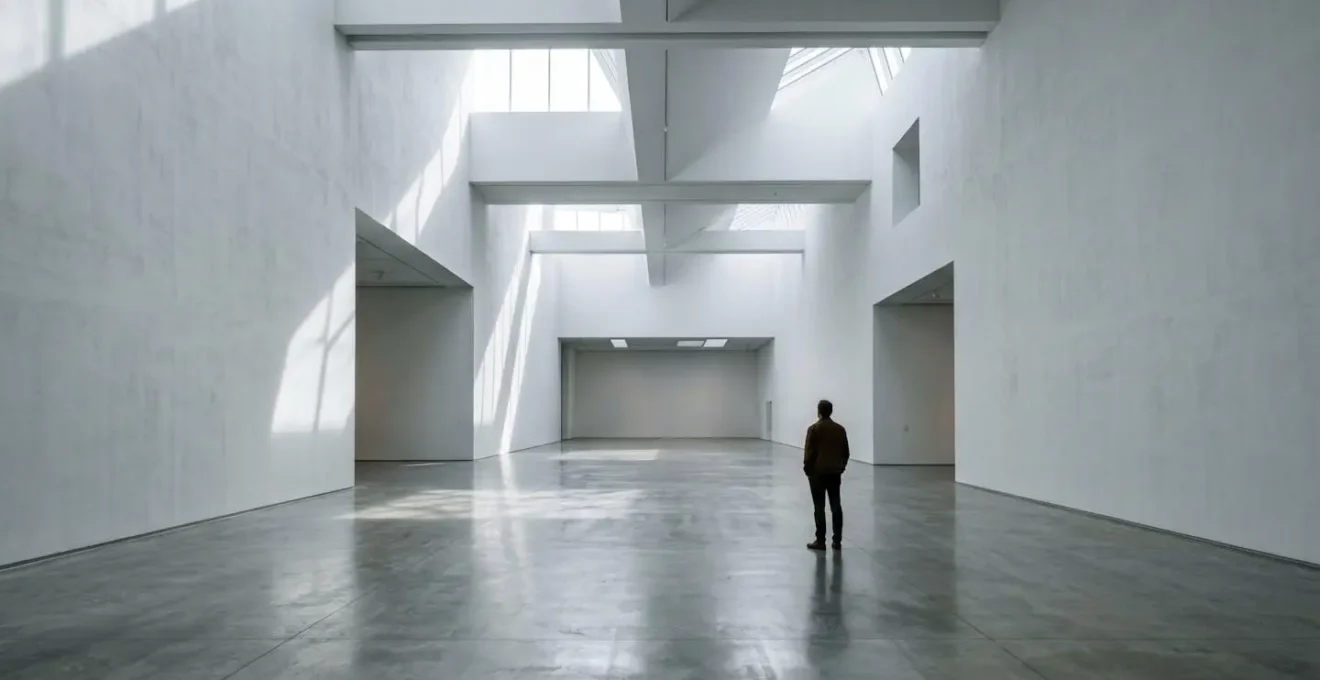
To combat this, social interaction must be a foundational pillar of the design, not an afterthought. This doesn’t necessarily mean building a full-fledged metaverse. It can be achieved through simpler means: a shared voice chat, the ability to see other visitors as simple avatars, or even asynchronous elements like leaving comments or « ghost » recordings of other people’s paths. The goal is to create a sense of co-presence. A 2024 study analyzing VR museum exhibitions found that interactivity and a sense of presence were the key factors that positively influenced a user’s willingness to engage and their intention to visit the physical site later. Fostering this sense of presence is the antidote to the lonely gallery.
By shifting the focus from technological spectacle to human-centric design—prioritising cognitive engagement, physical comfort, and social connection—artists and galleries can unlock VR’s true potential. The next step is to take these strategic principles and apply them to your own creative process, beginning with a clear understanding of your audience and a commitment to crafting an experience, not just an exhibit.